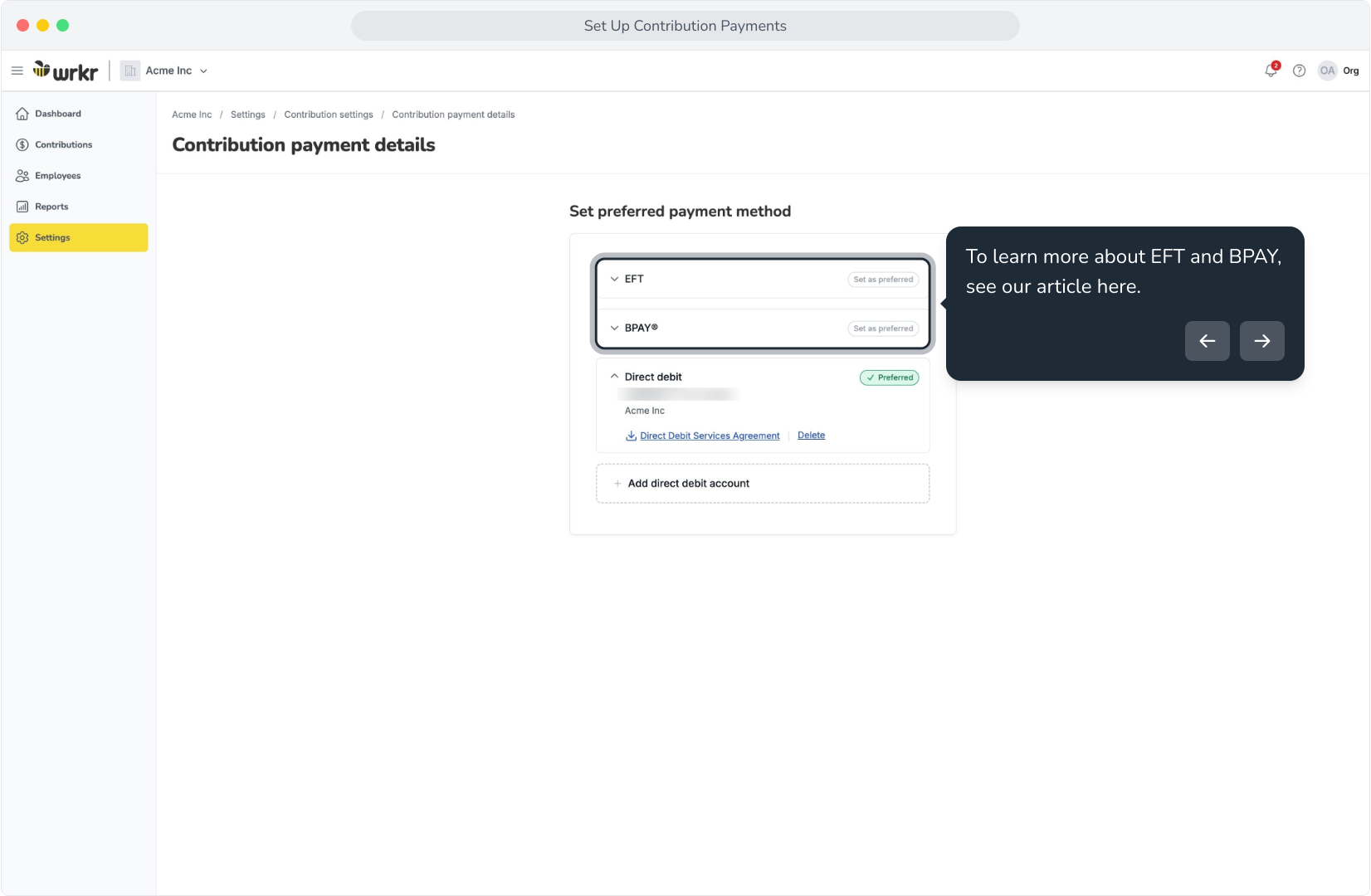
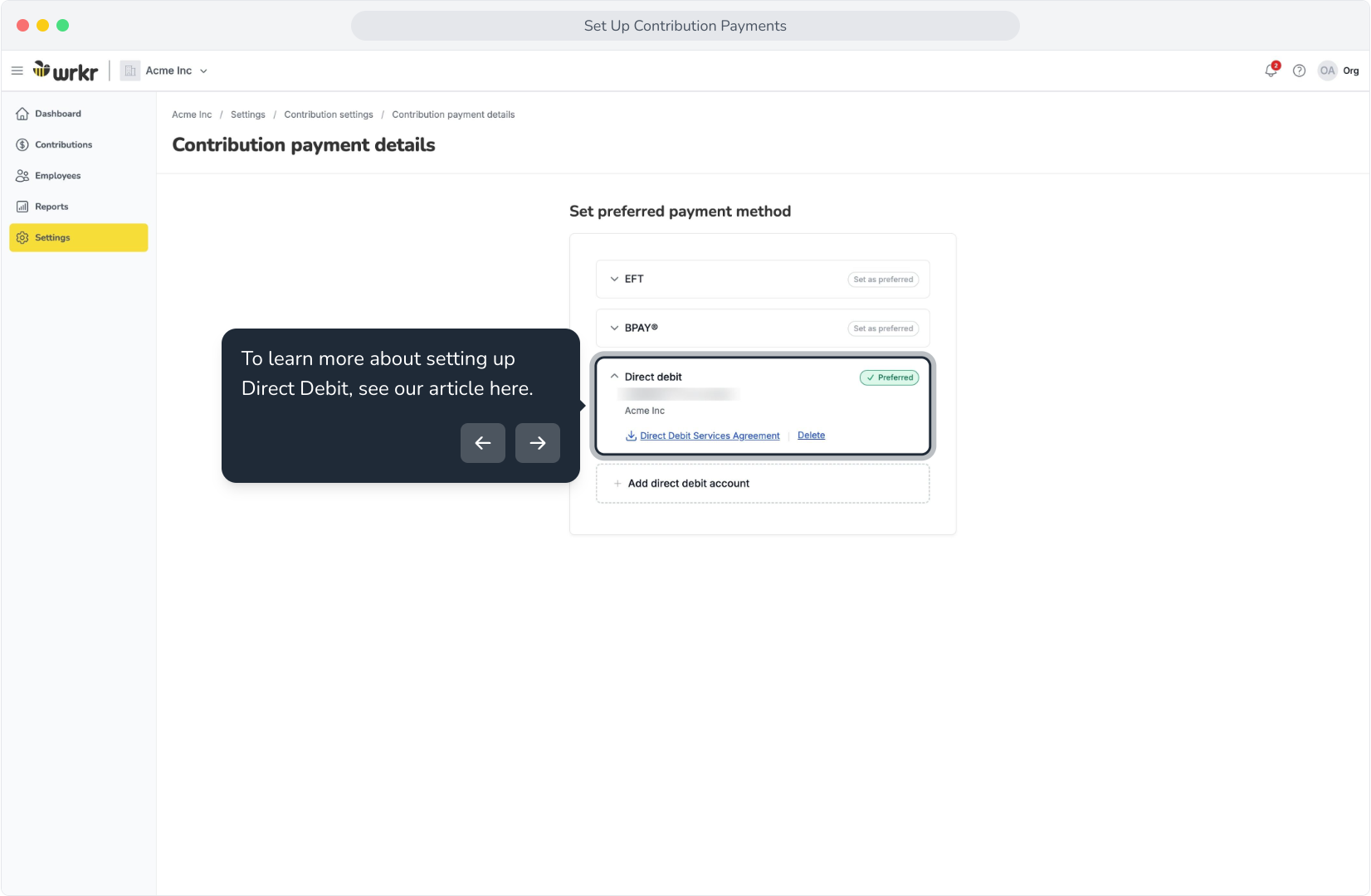
Context: This guide covers the different methods available for processing contribution payments – Including Direct Debit, EFT, and BPAY.
Interactive Demo
Note: Make the demo full-screen for a better experience. You can mute/un-mute narration to suit your preferences.
Step by Step
1. Set Up Contribution Payments
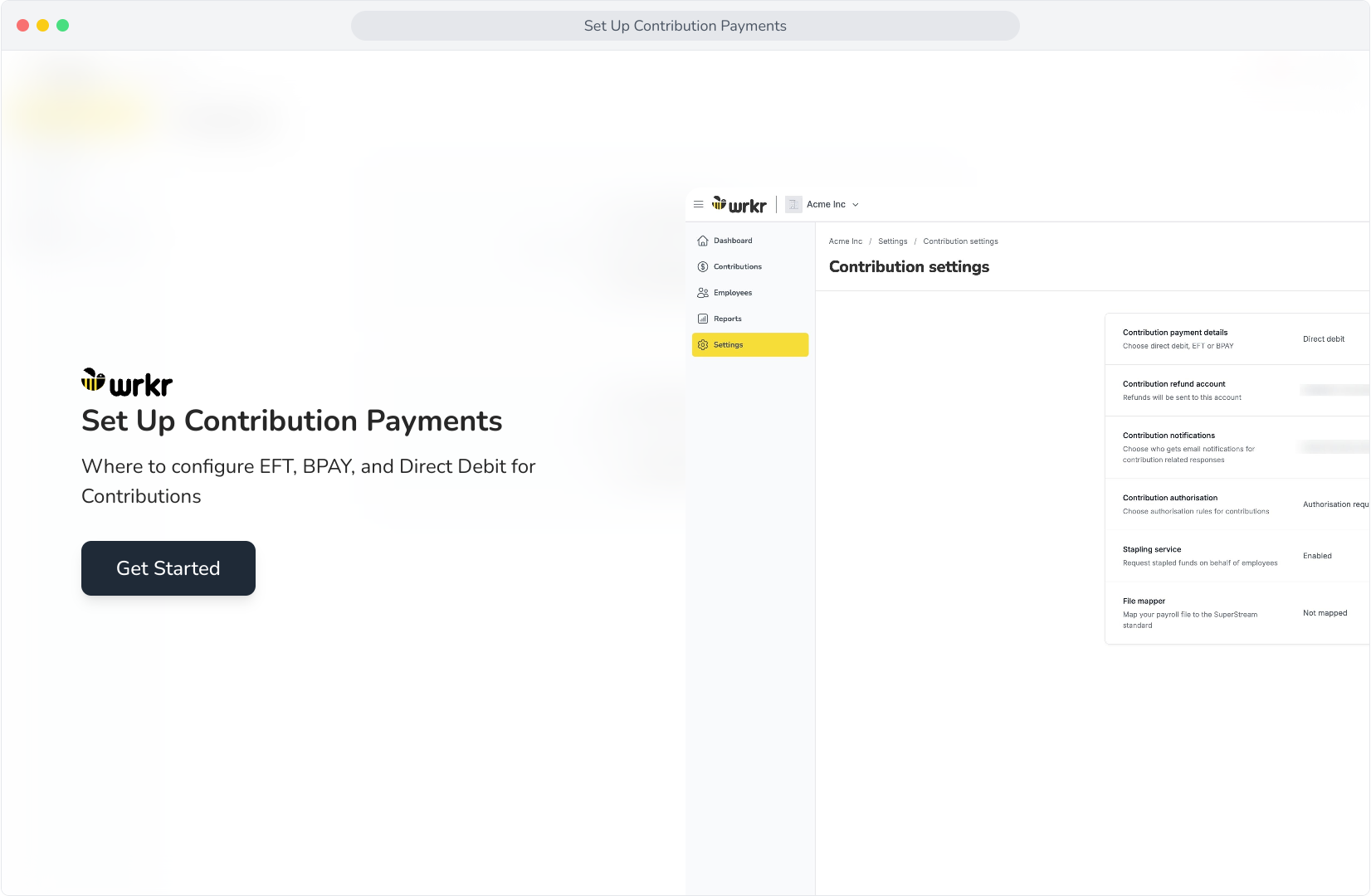
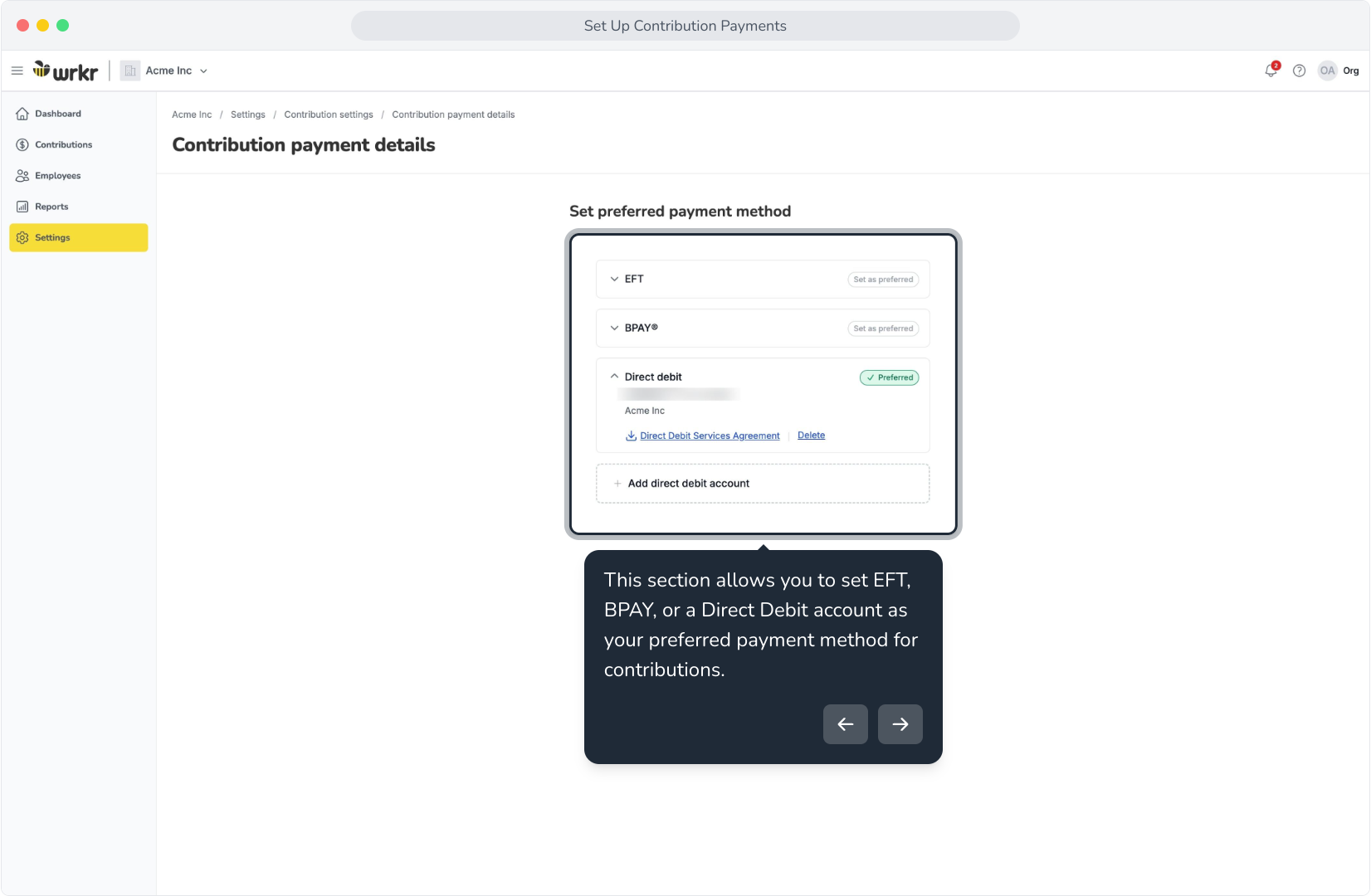
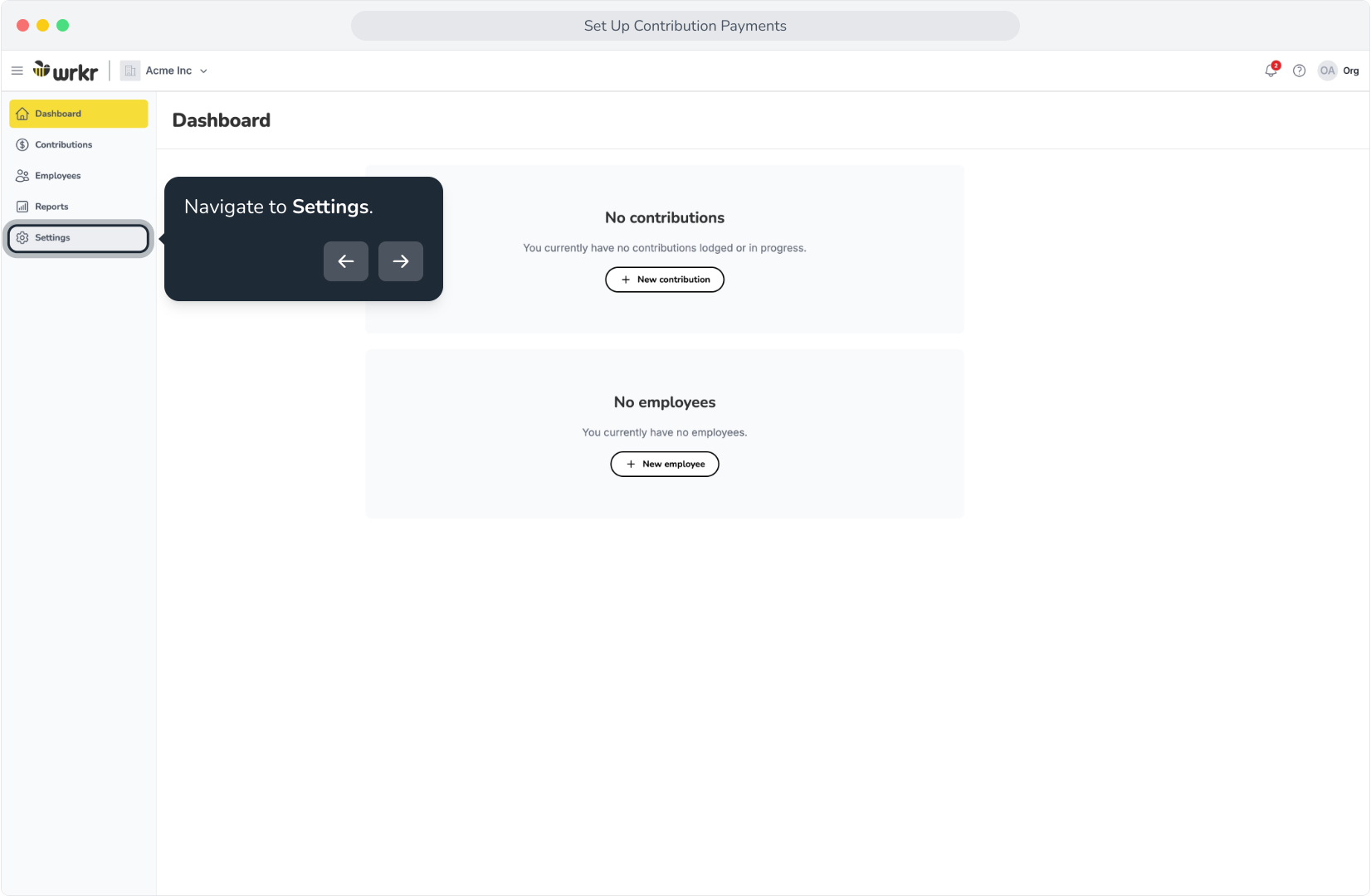
2. Navigate to Settings.
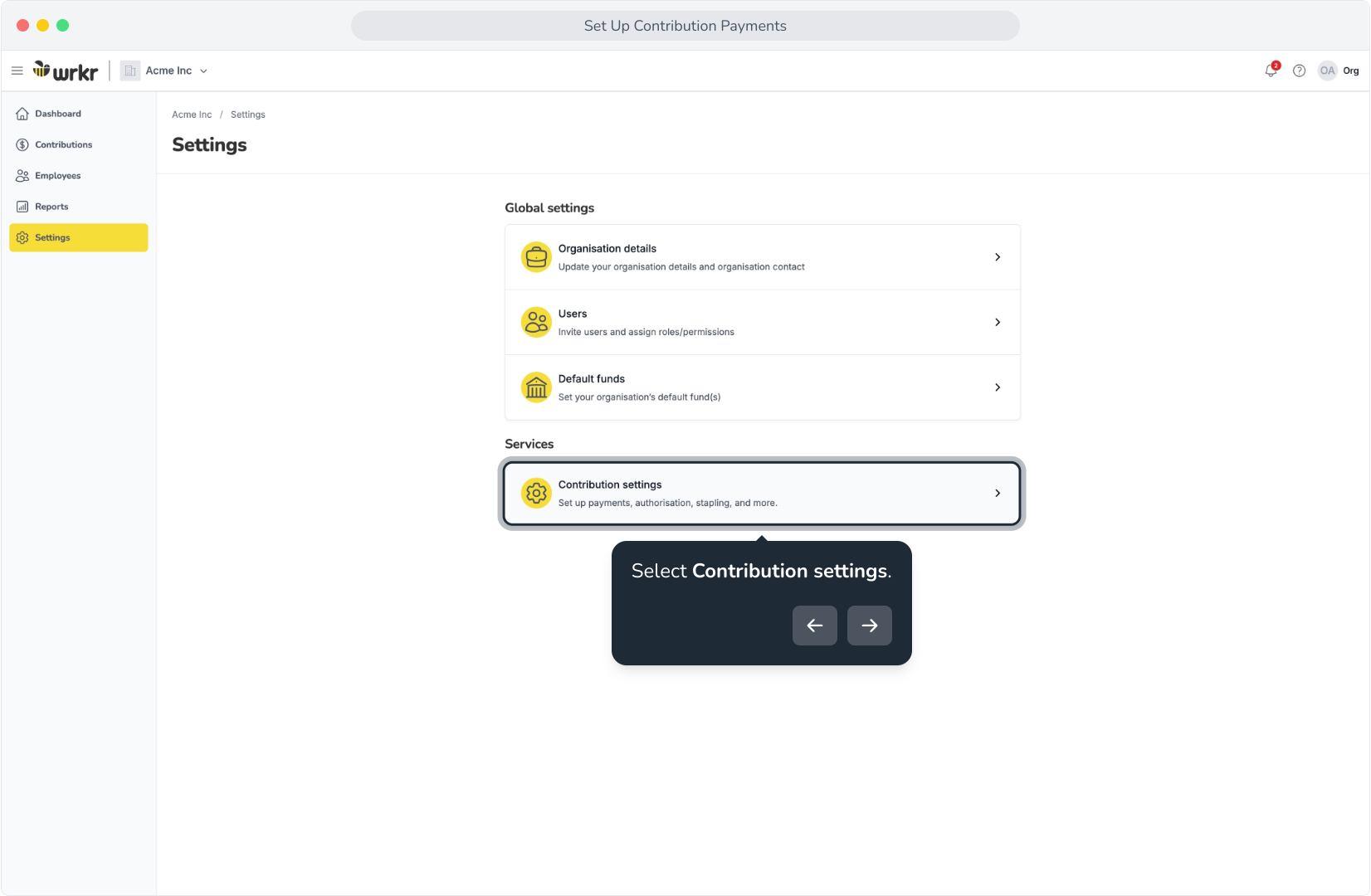
3. Select Contribution settings.
4. In the Contribution payment details tile, select View.
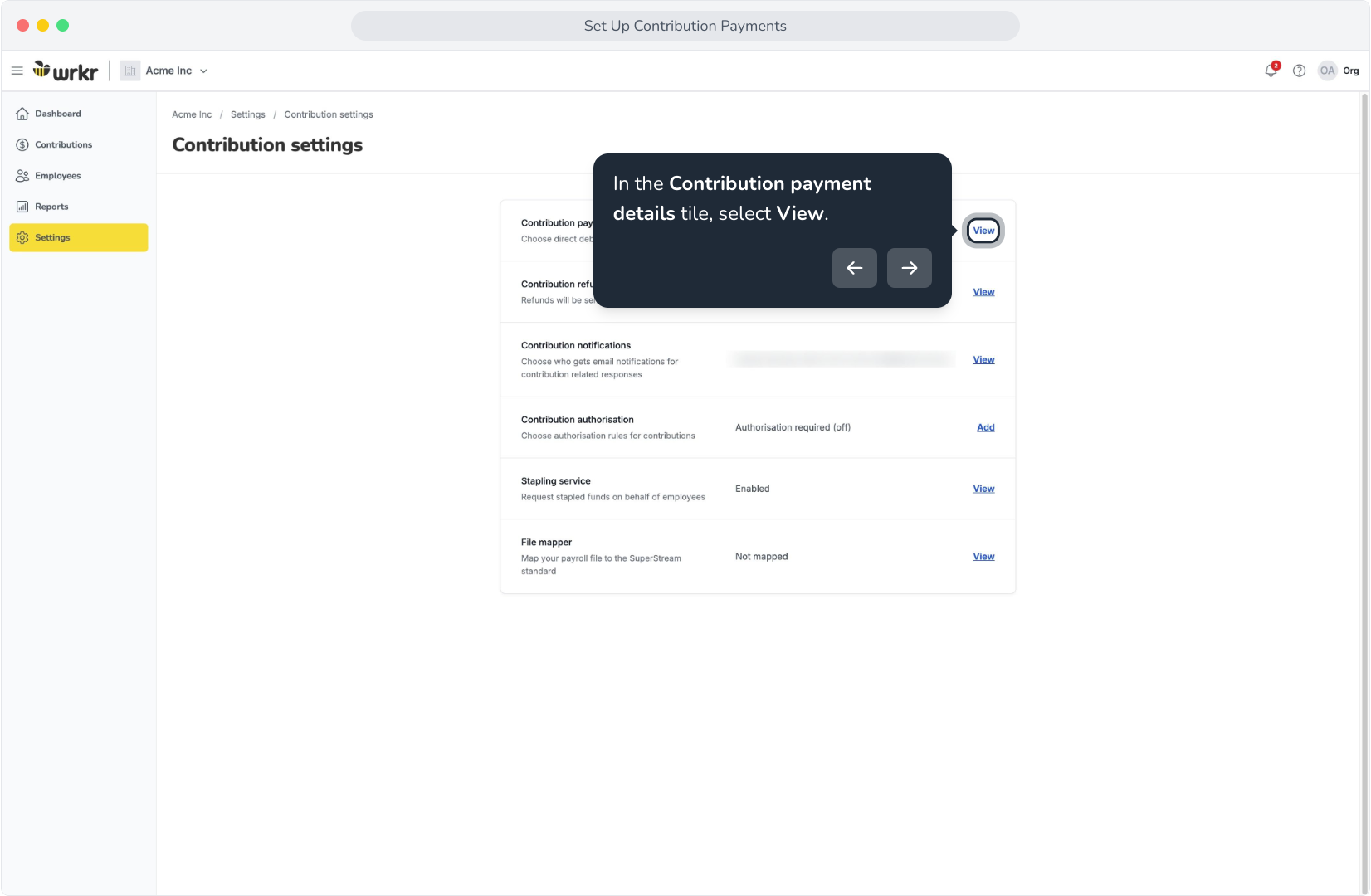
5. This section allows you to set EFT, BPAY, or a Direct Debit account as your preferred payment method for contributions.