Context: This guide covers how to update your Given and Family names within the Profile Settings section of the Wrkr Portal.
Interactive Demo
Note: Make the demo full-screen for a better experience. You can mute/un-mute narration to suit your preferences.
Step by Step
1. Edit Personal Information – Given Name & Family Name
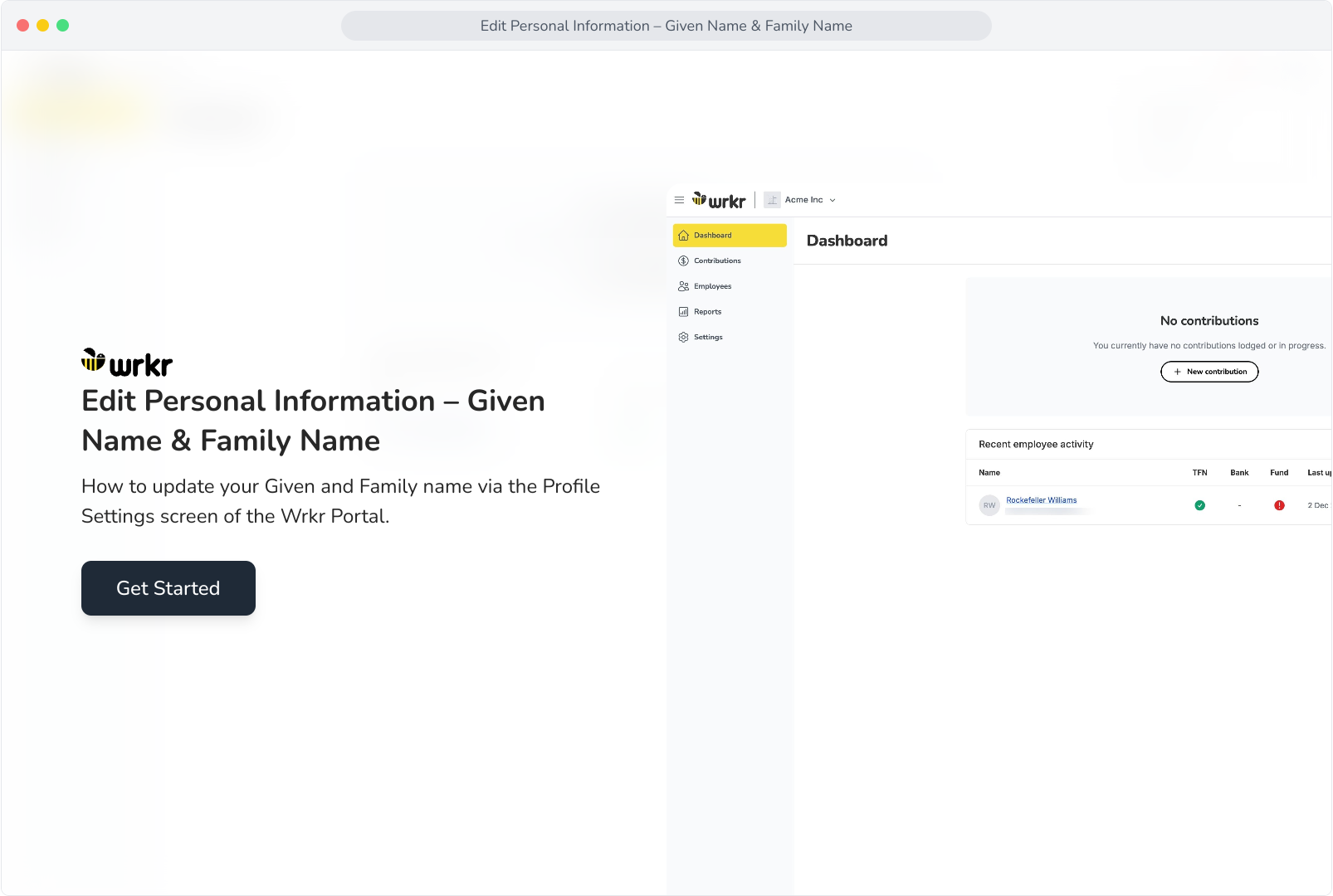
2. To navigate to Profile Settings, click on your user profile.
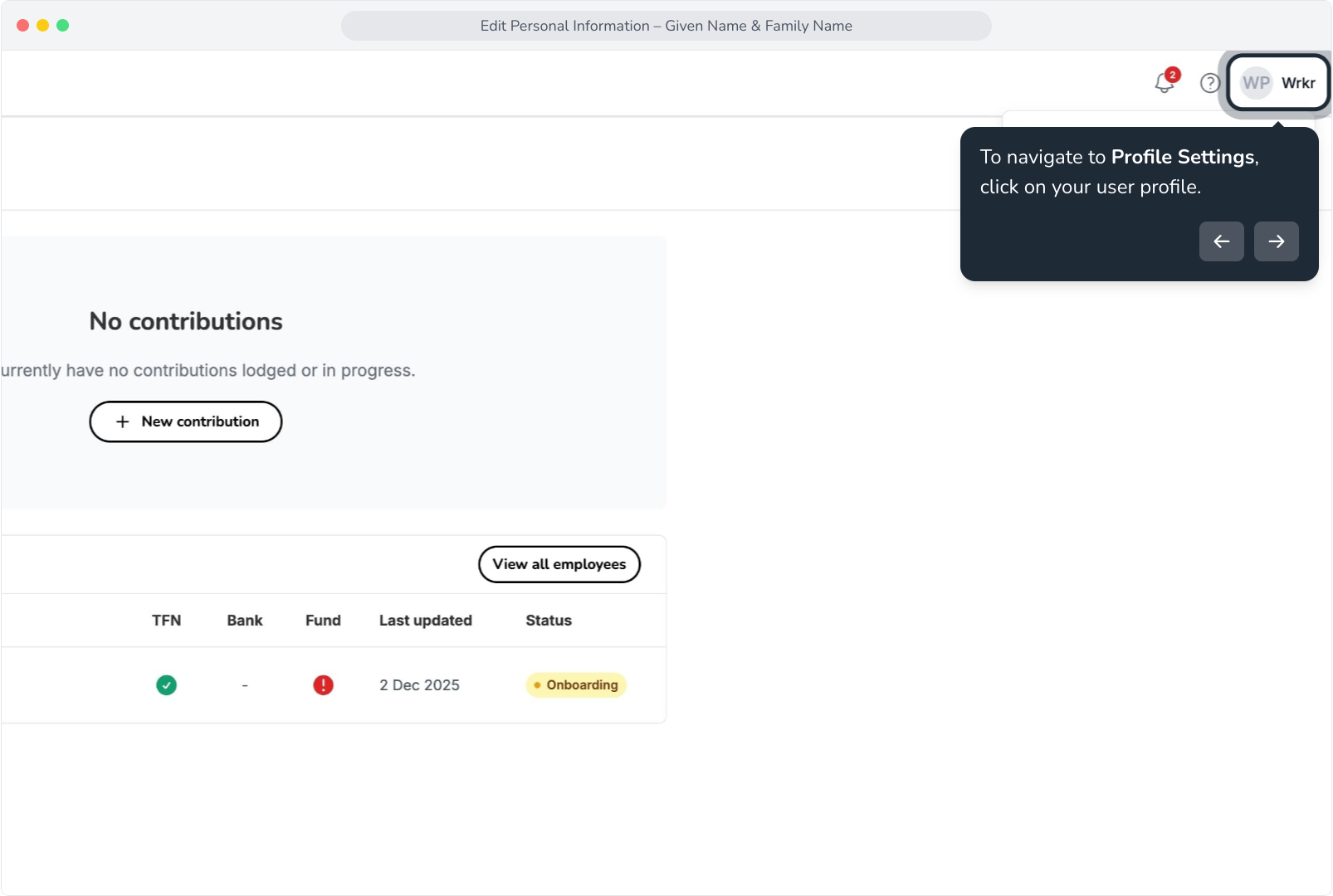
3. Select Profile settings.
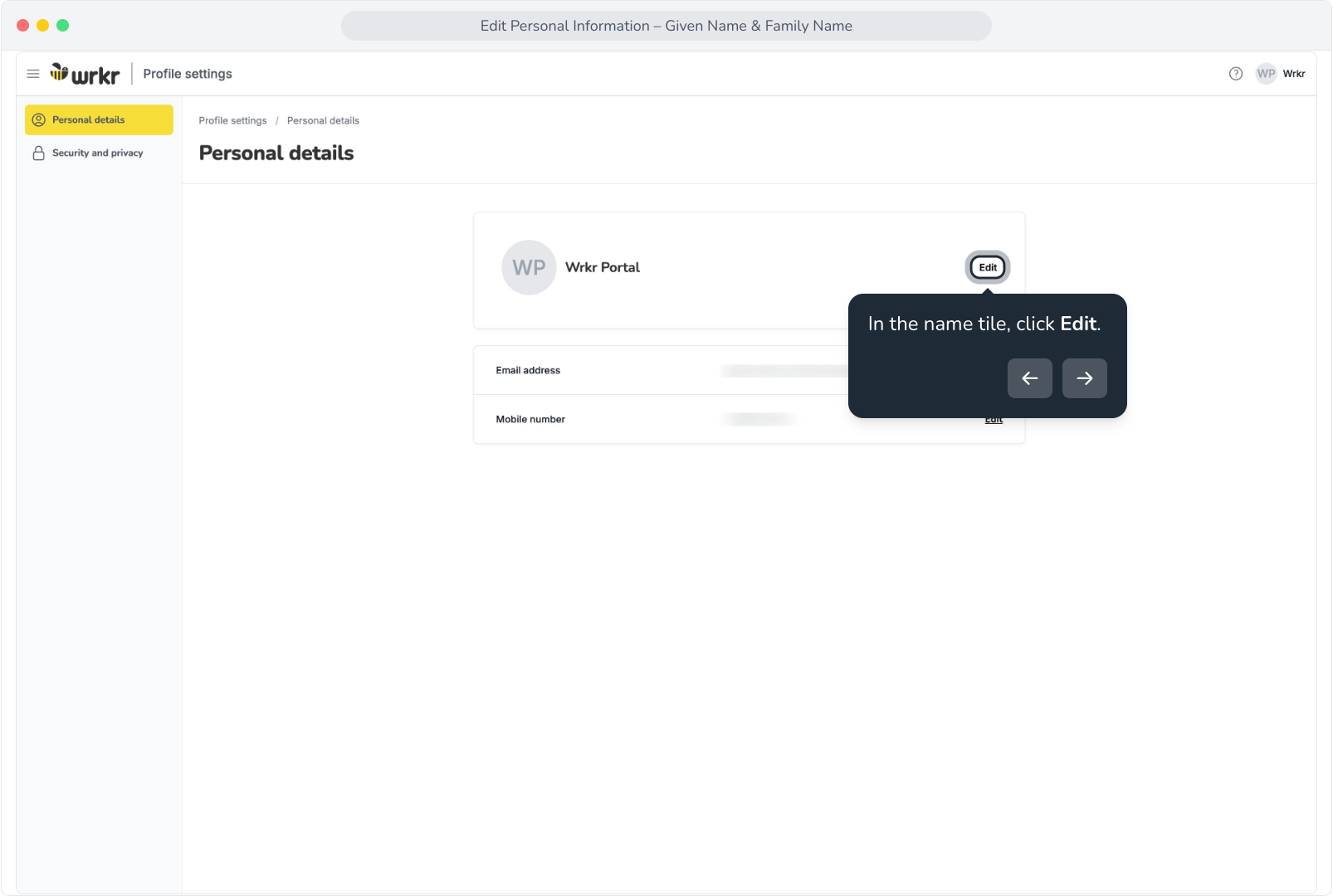
4. In the name tile, click Edit.
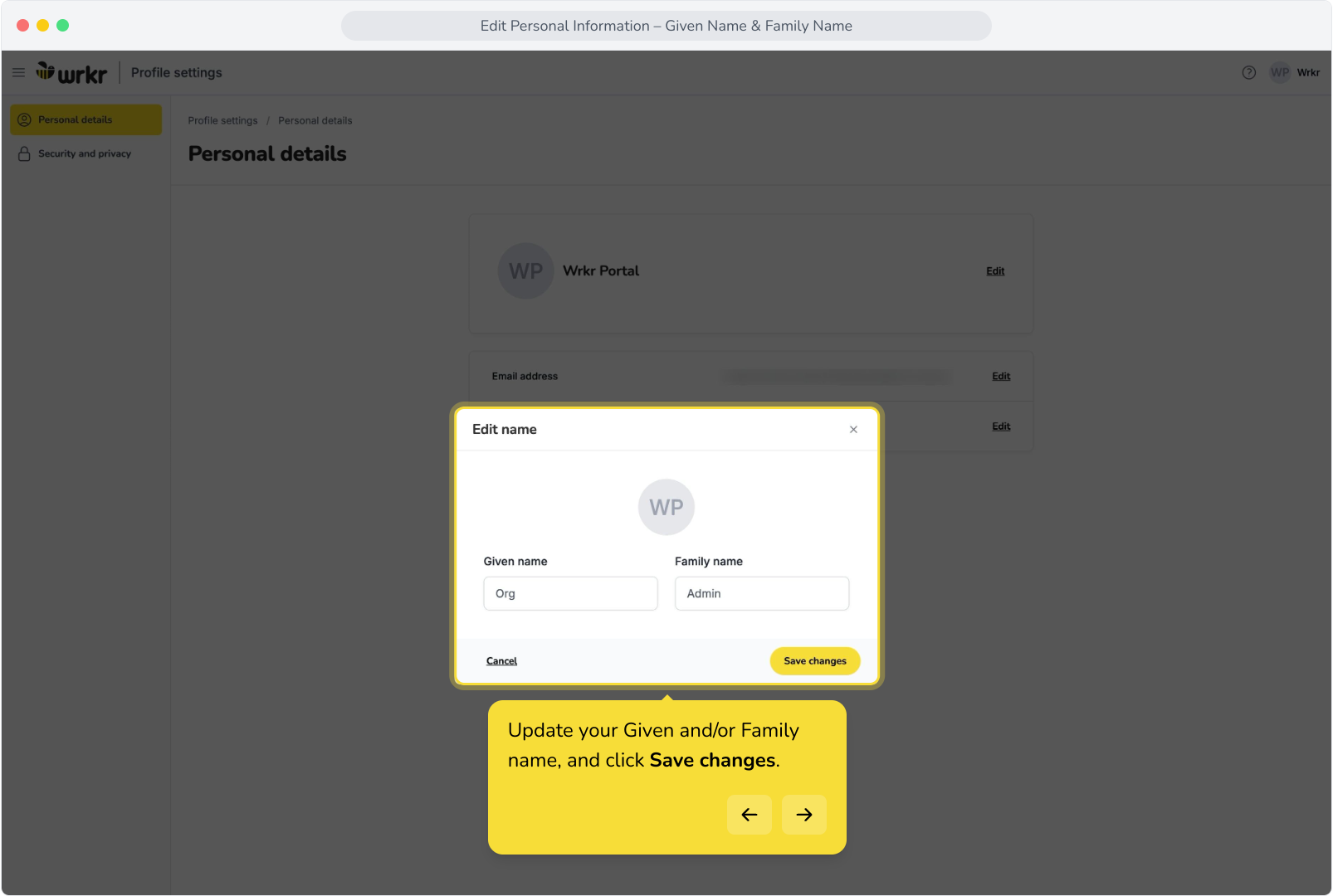
5. Update your Given and/or Family name, and click Save changes.
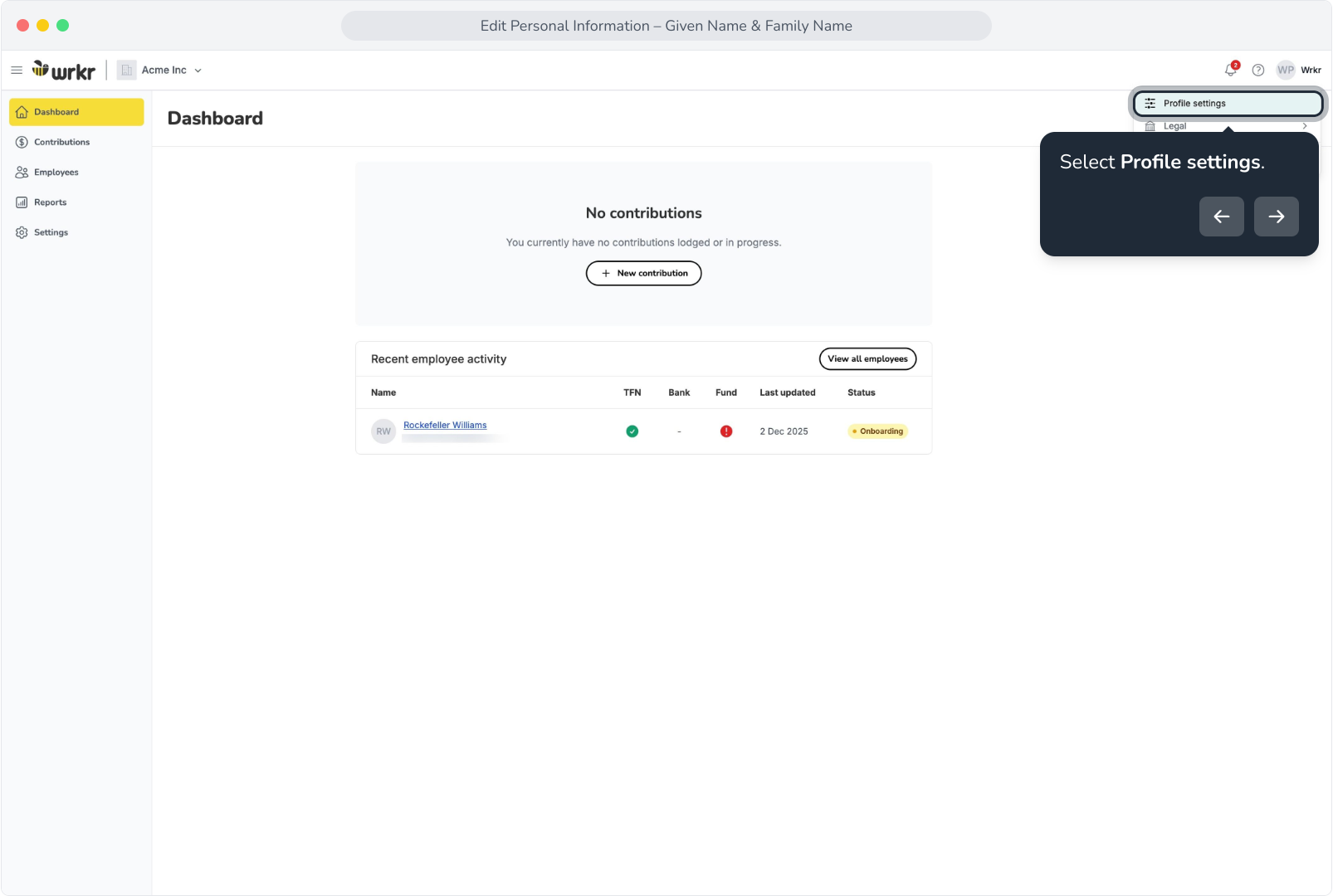
6. Once complete, you will see a success message confirming the name change, and updates will be reflected on the screen.