Context: This guide covers the ability for Organisation admins to close organisations and their affiliates, or re-open them within the grace period – including the actions that you can or cannot perform once closed.
Interactive Demo
Note: Make the demo full-screen for a better experience. You can mute/un-mute narration to suit your preferences.
Step by Step
1. How to Close and Re-open Organisations
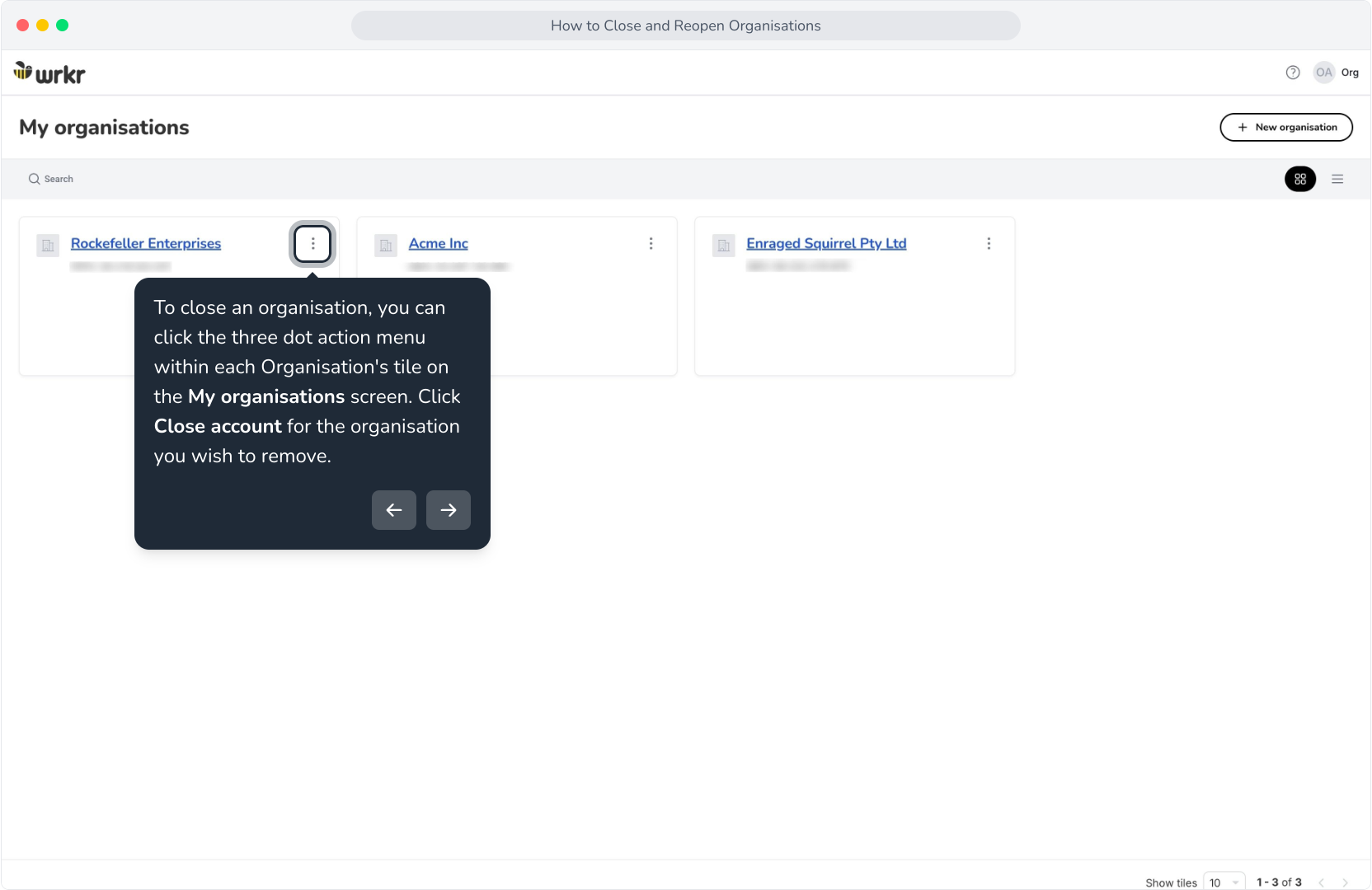
2. To close an organisation, you can click the three dot action menu within each Organisation's tile on the My organisations screen. Click Close account for the organisation you wish to remove.
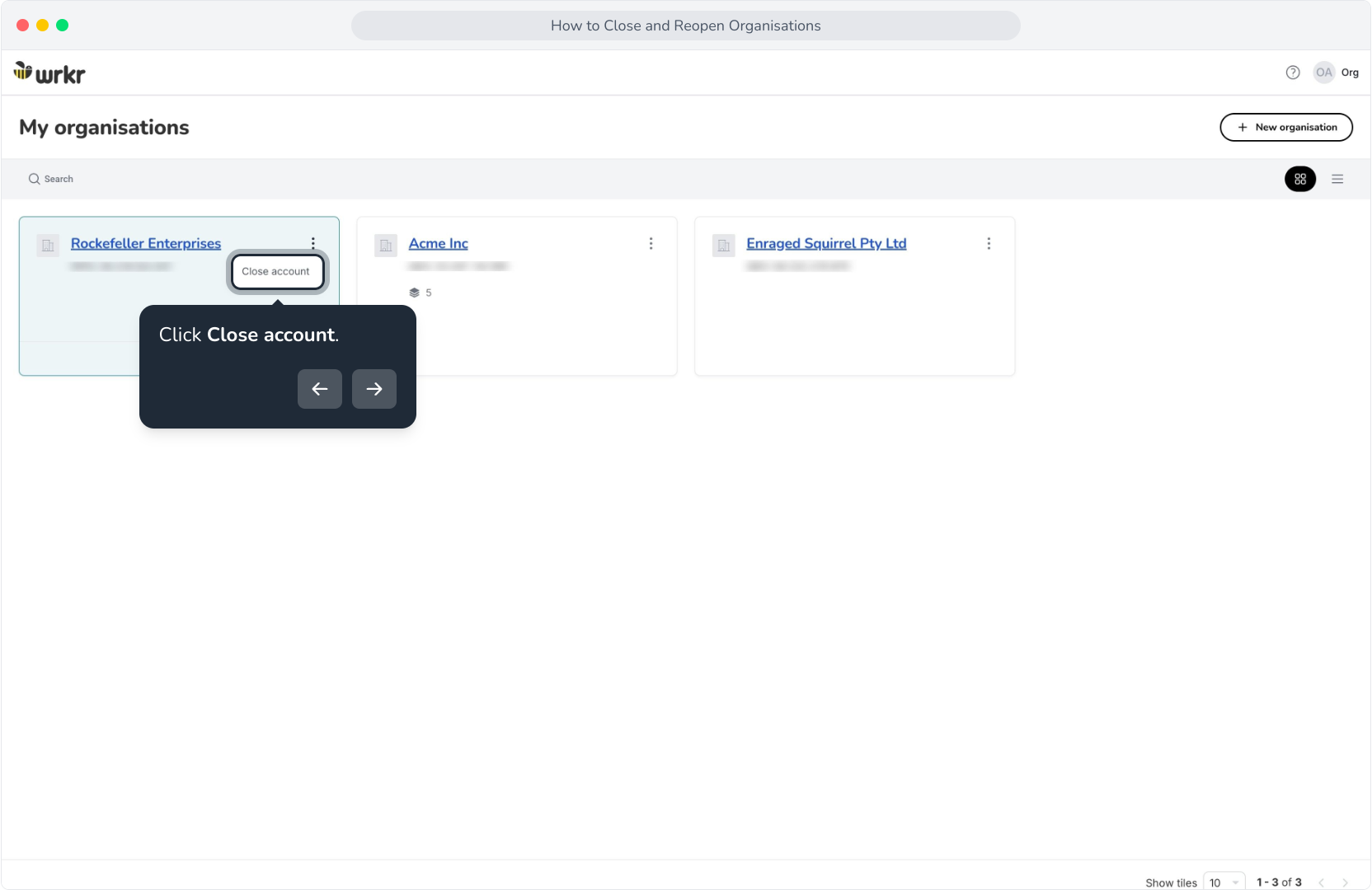
3. Click Close account.
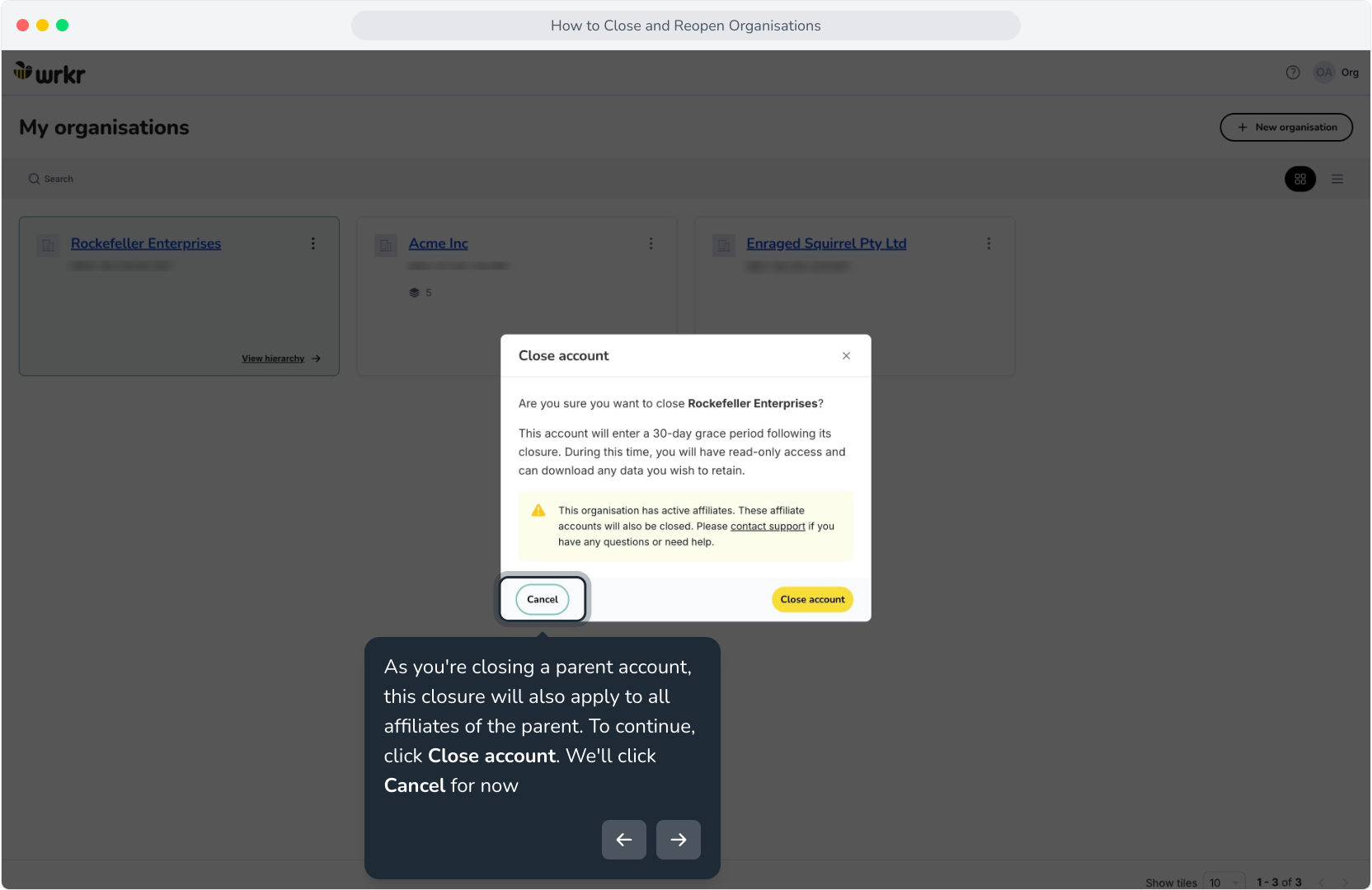
4. As you're closing a parent account, this closure will also apply to all affiliates of the parent. To continue, click Close account. We'll click Cancel for now
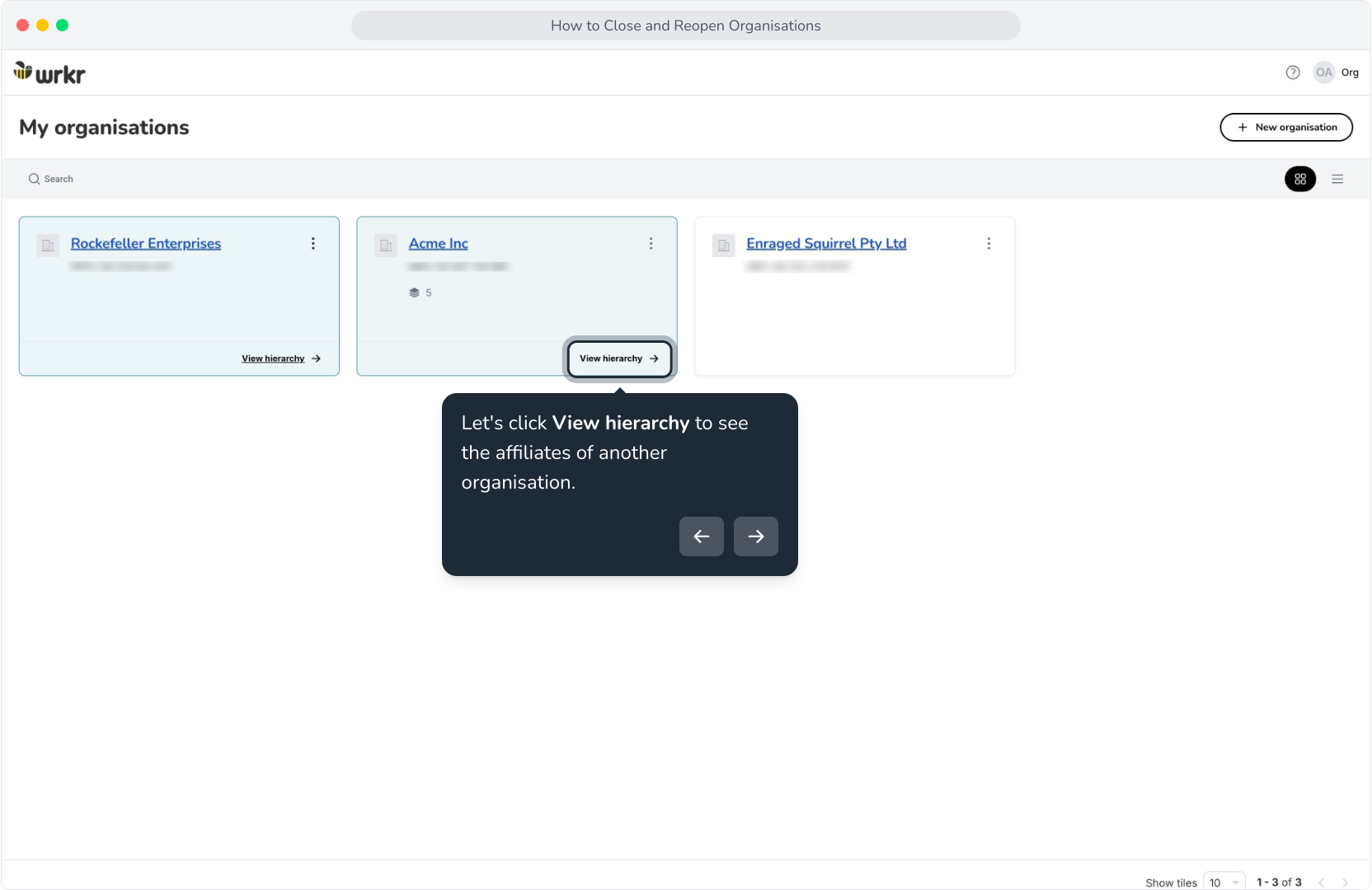
5. Let's click View hierarchy to see the affiliates of another organisation.
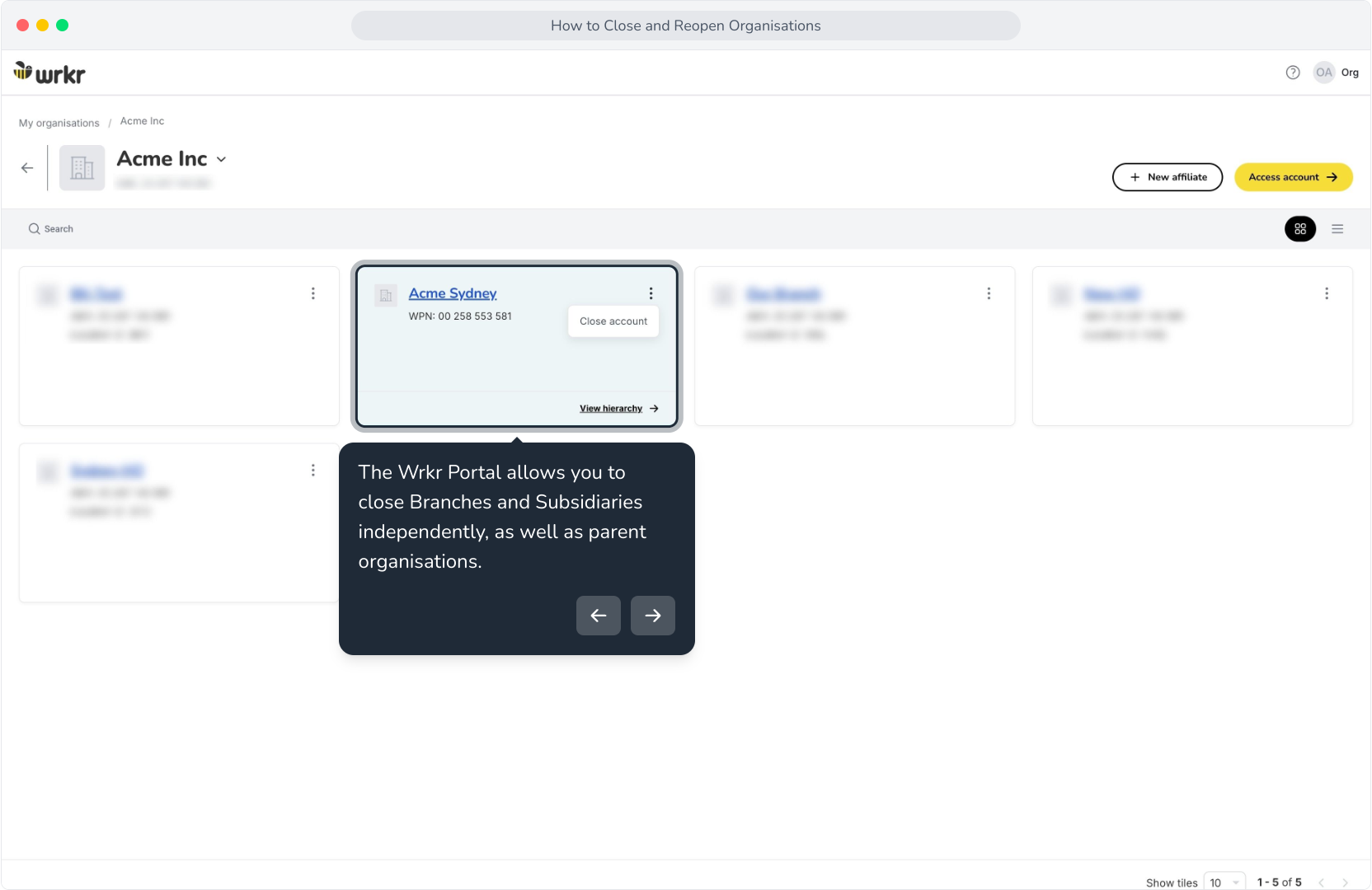
6. The Wrkr Portal allows you to close Branches and Subsidiaries independently, as well as parent organisations.
7. Now, lets go back to Rockefeller Enterprises and close this org.
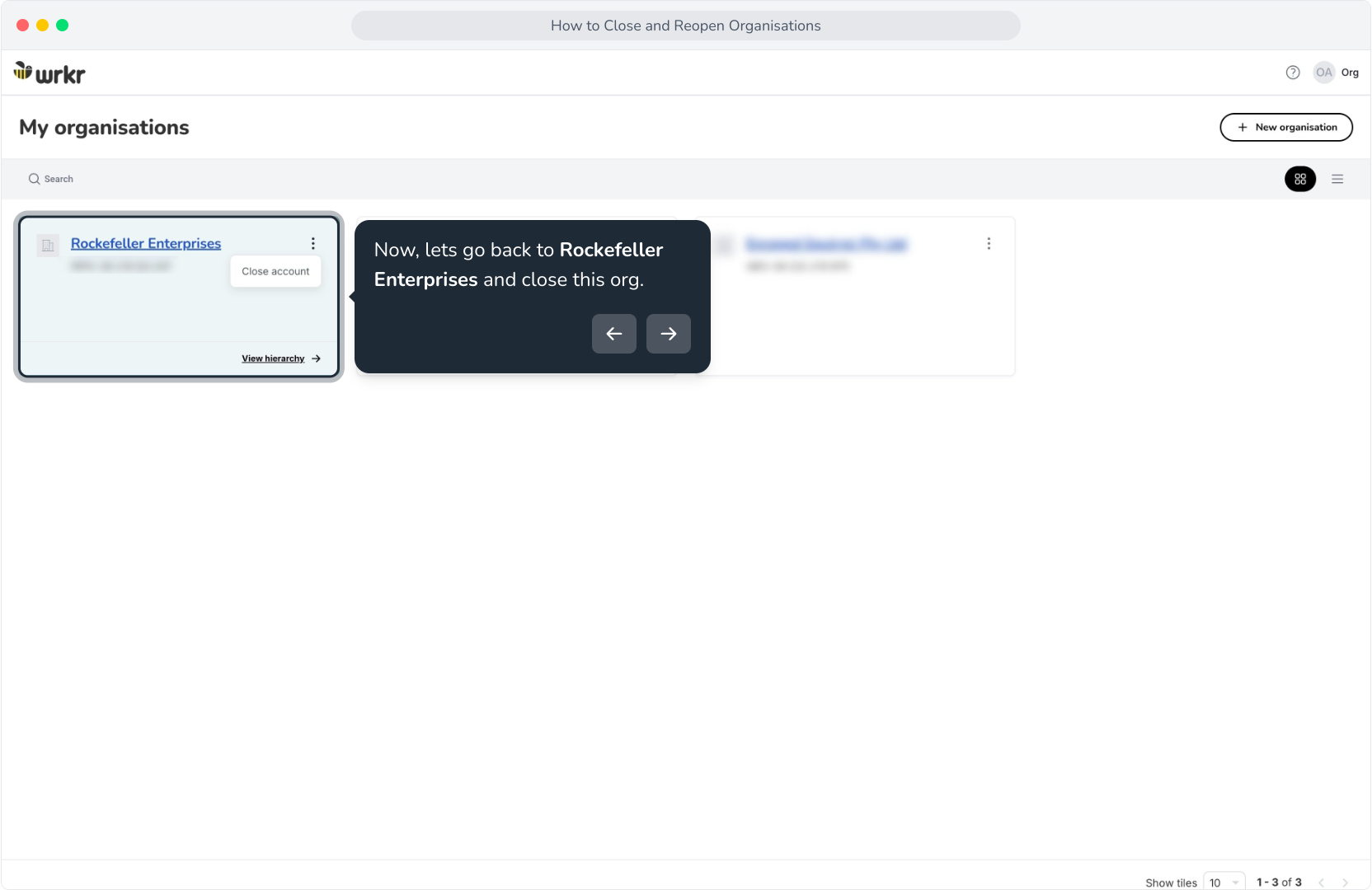
8. Let's click Close account.
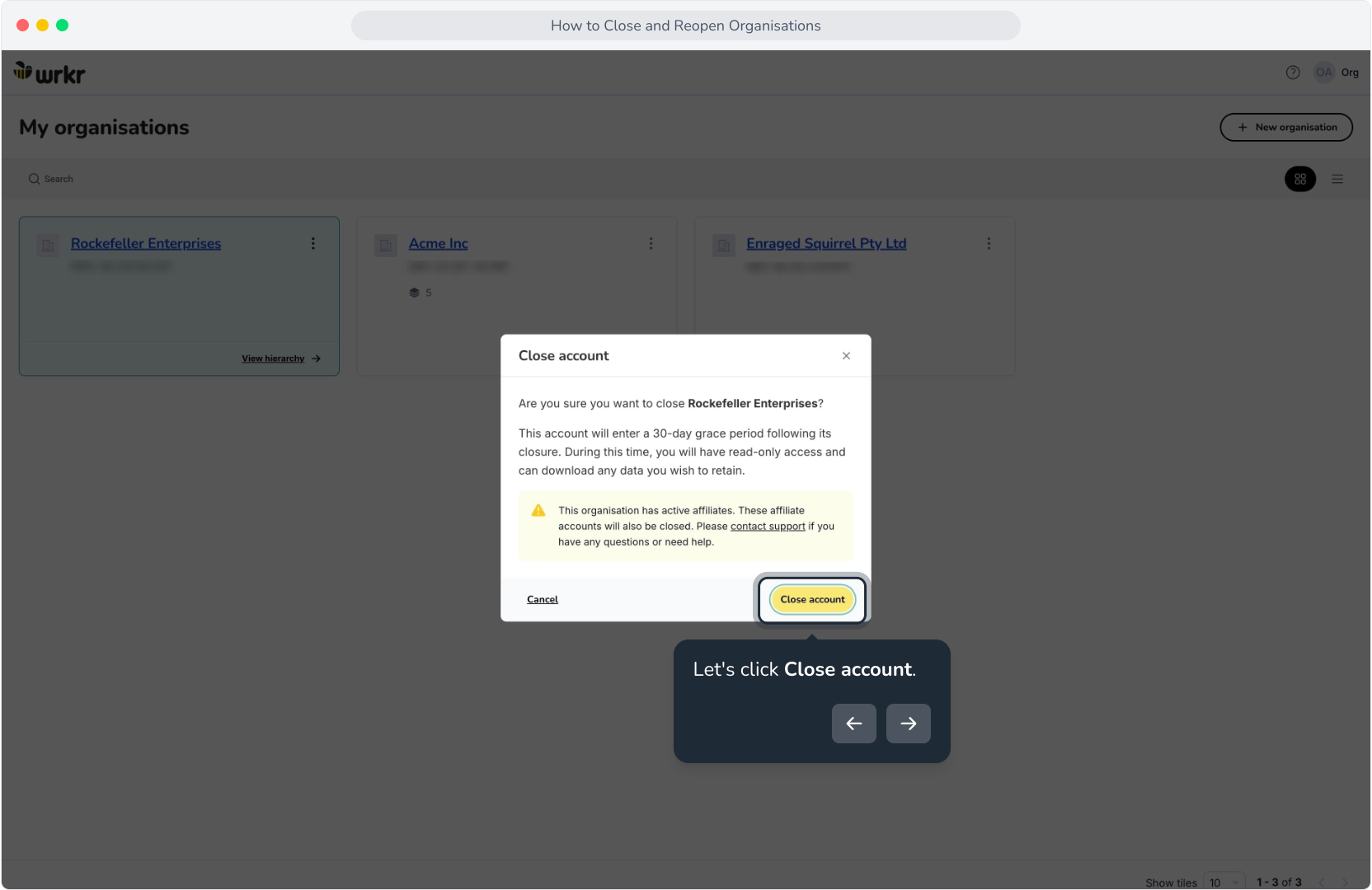
9. As noted within the confirmation modal, organisations have a 30 day grace period prior to closure. This allows organisations to export necessary data prior to removal.
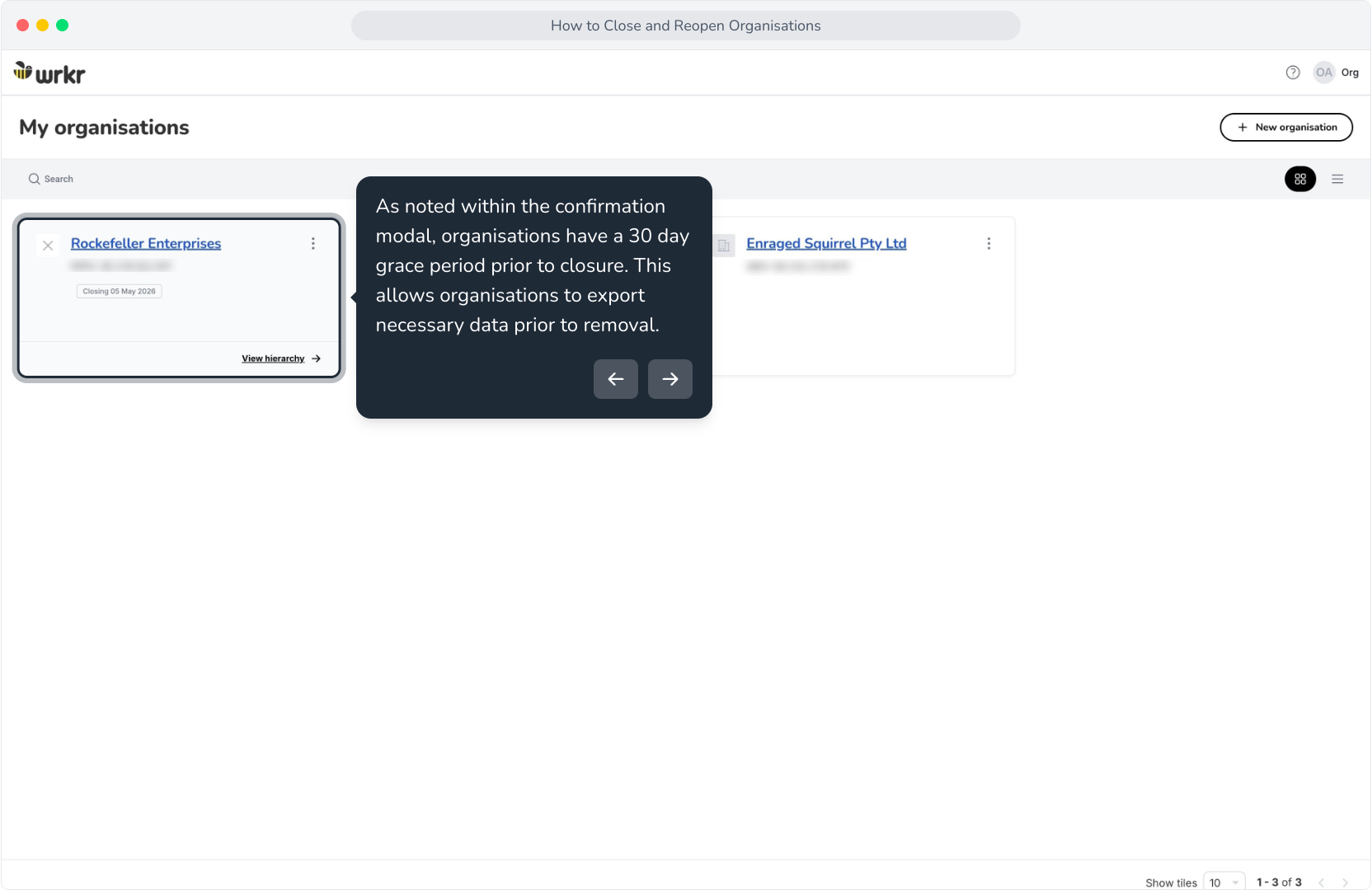
10. After an organisation is closed, all organisation admins for both the parent and its affiliates will receive an email notification.
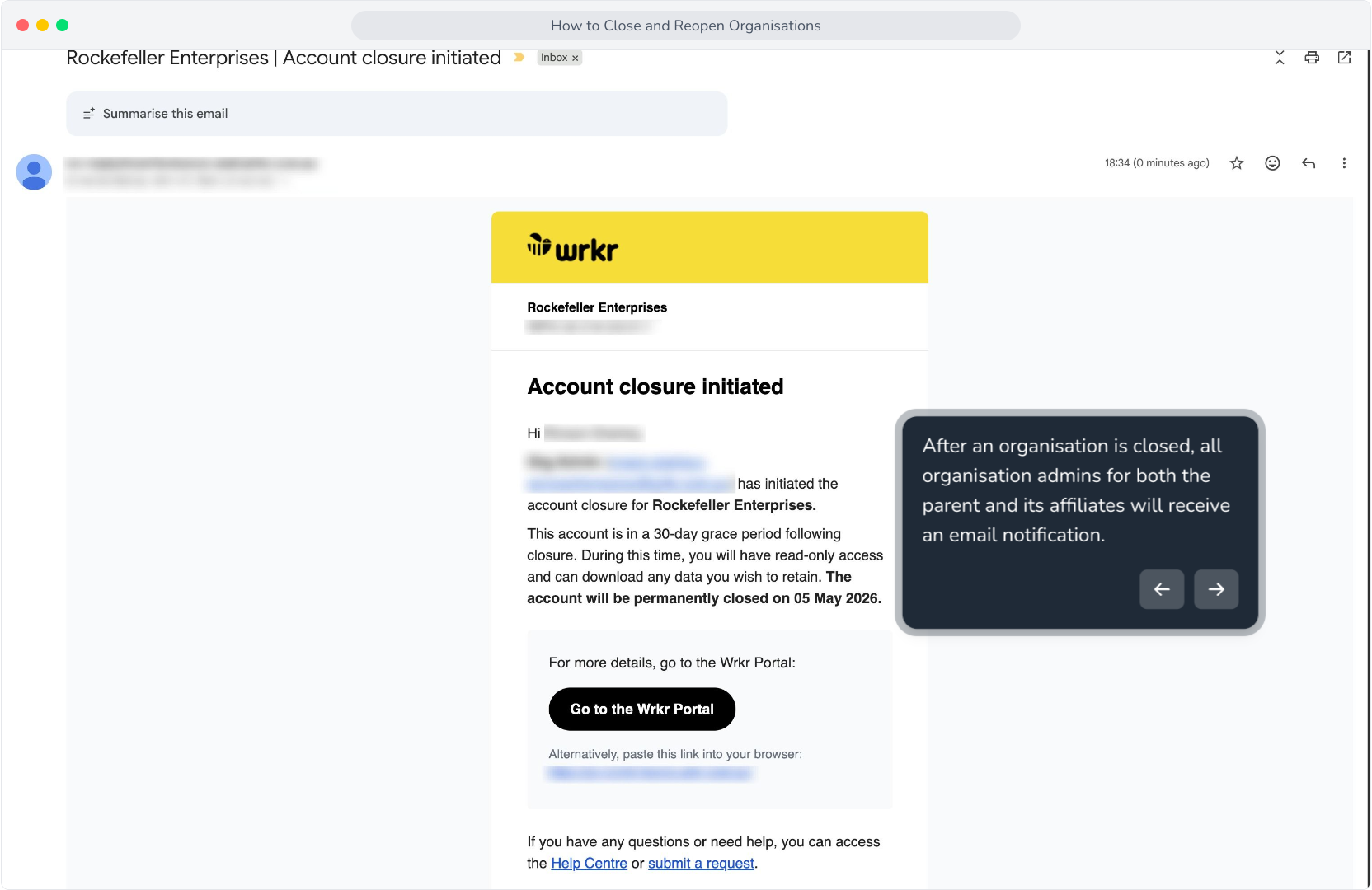
11. These admins will also receive an email 23 days after closing to remind them of the permanent deletion from the portal in 7 days time.After 30 days, a final removal confirmation email will be sent to notify admins that the organisation and its affiliates are officially removed.
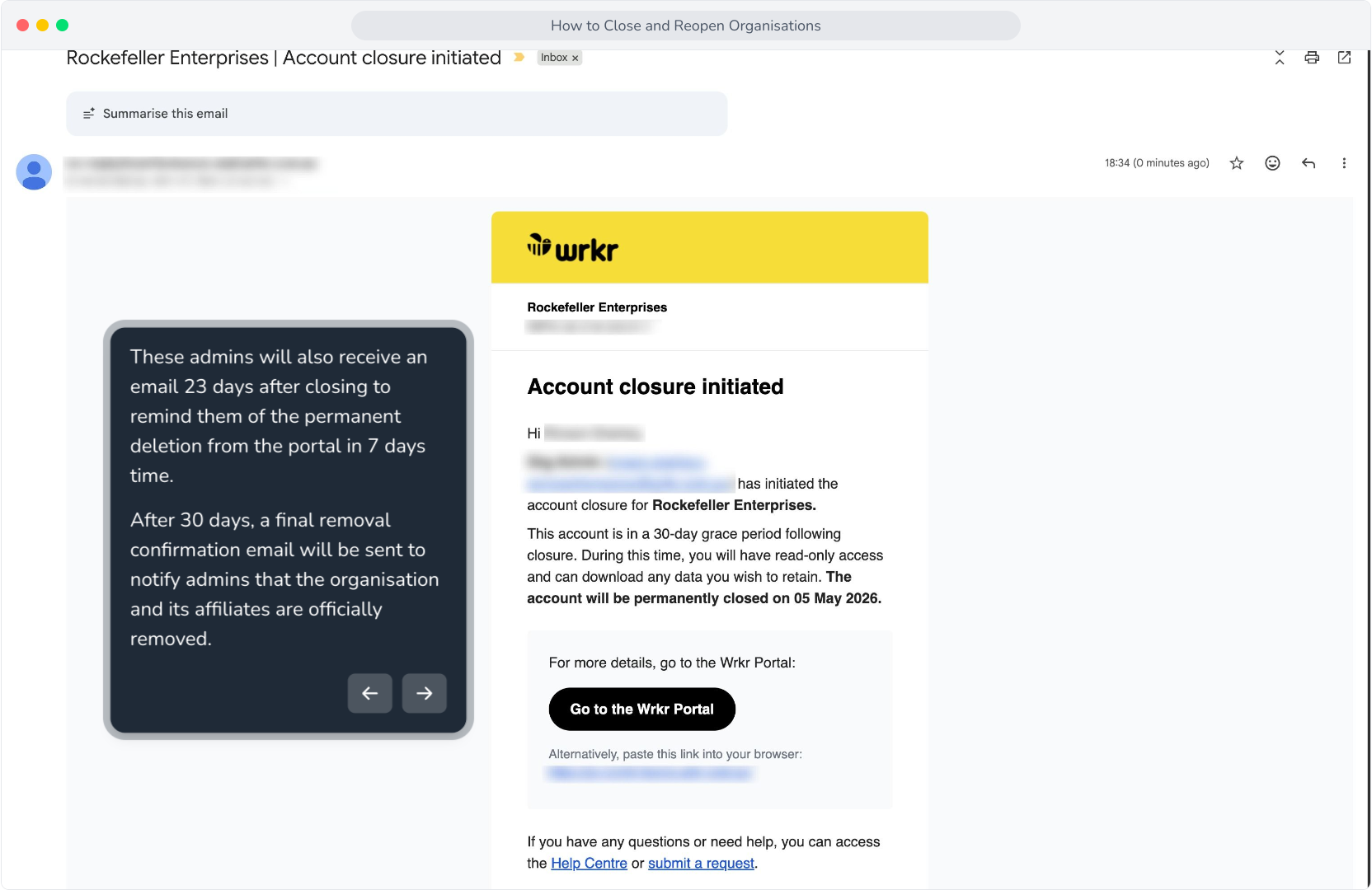
12. Organisations scheduled for closure will also have this alert message on the dashboard that details the closure date.
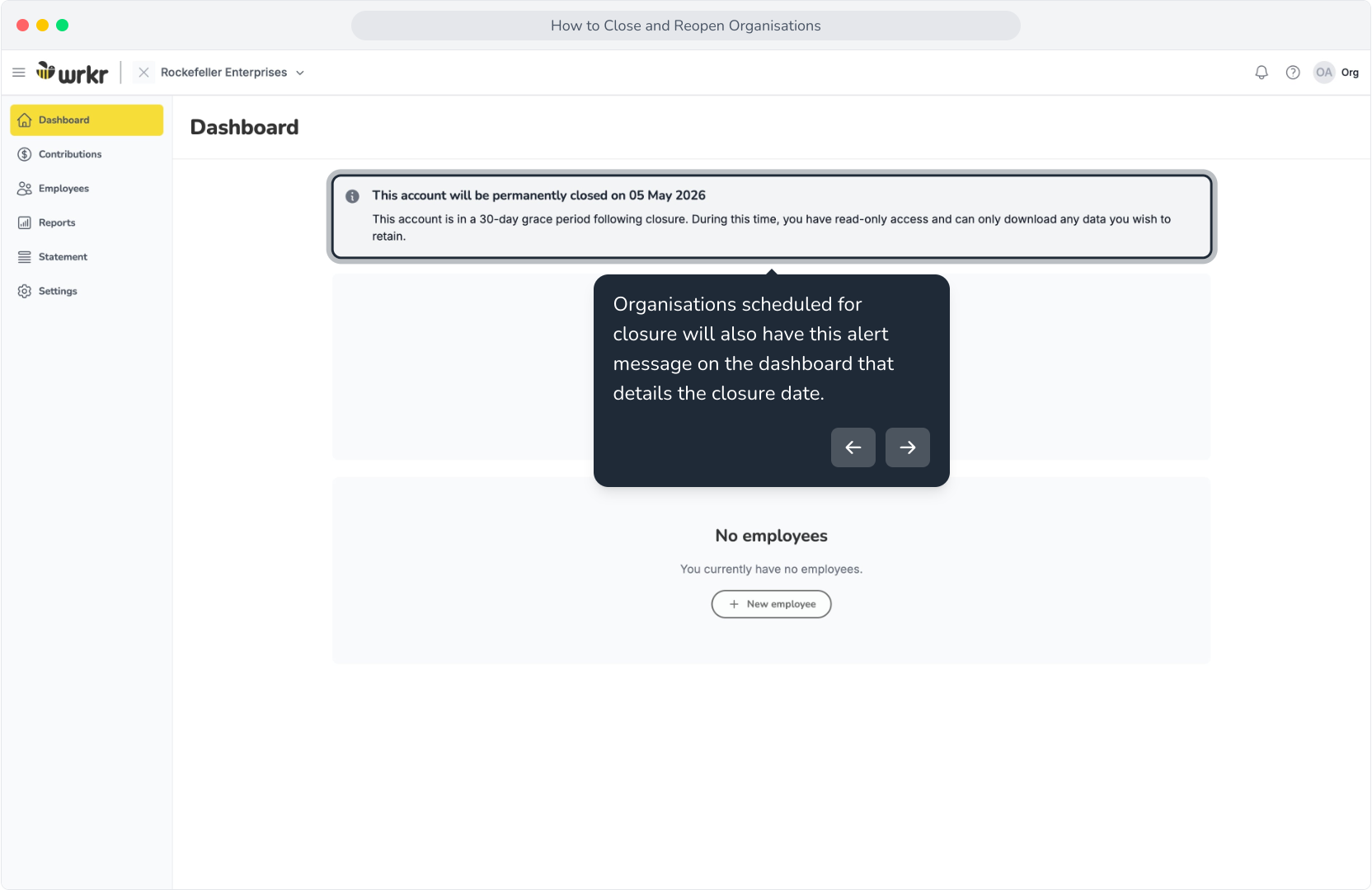
13. When viewing an organisation that is scheduled for closure, the org will be in read-only mode.
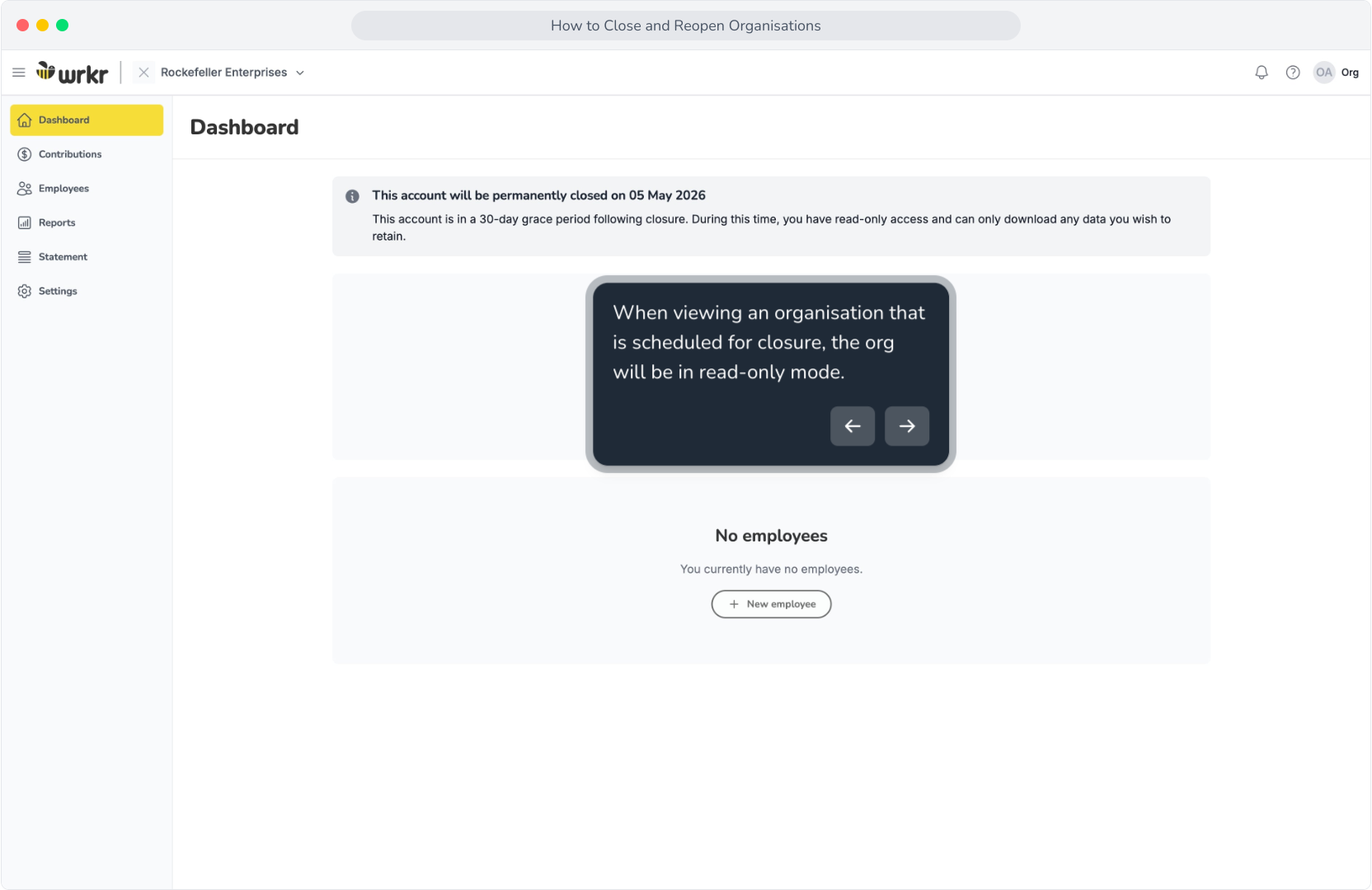
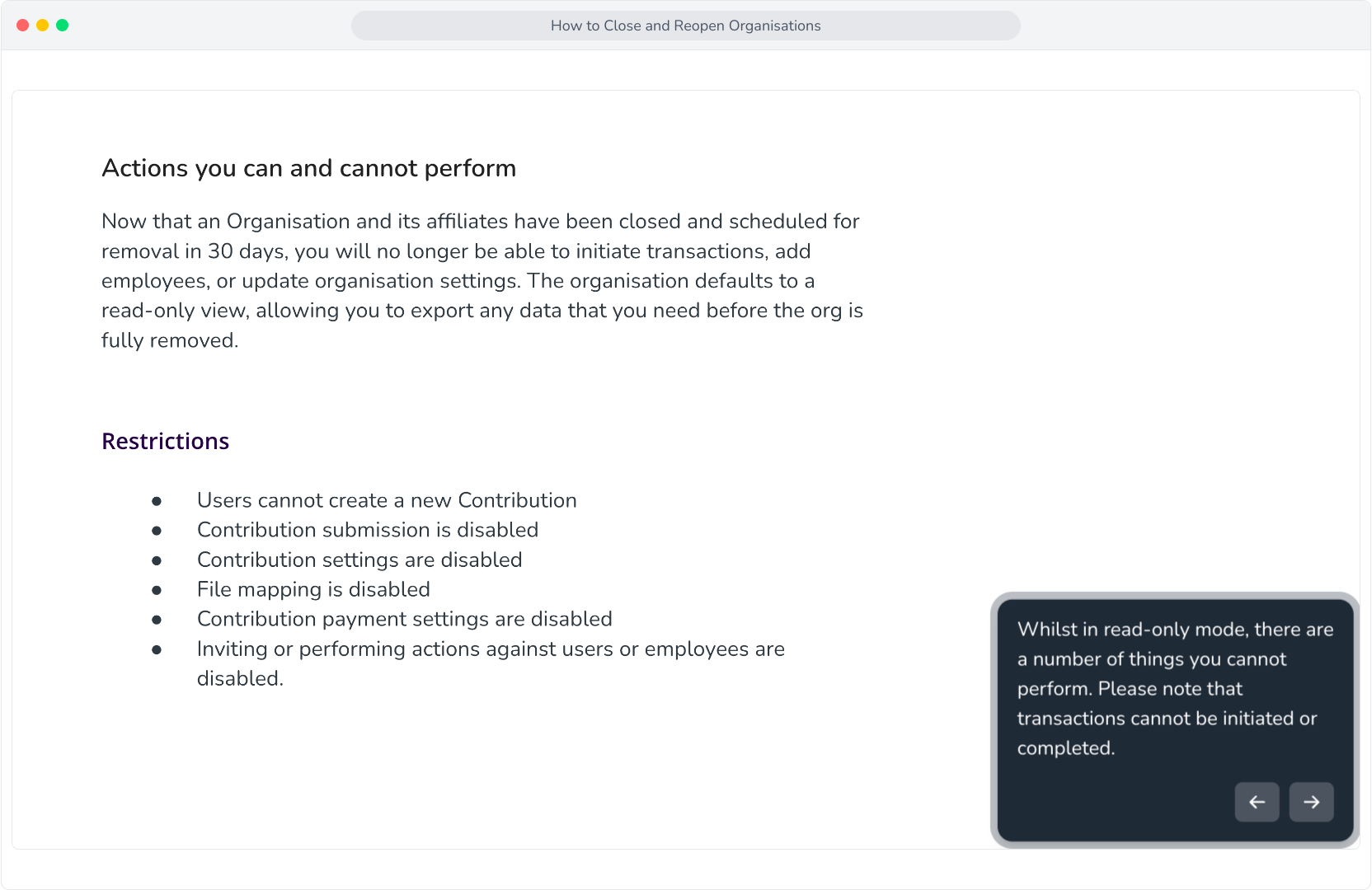
14. Whilst in read-only mode, there are a number of things you cannot perform. Please note that transactions cannot be initiated or completed.
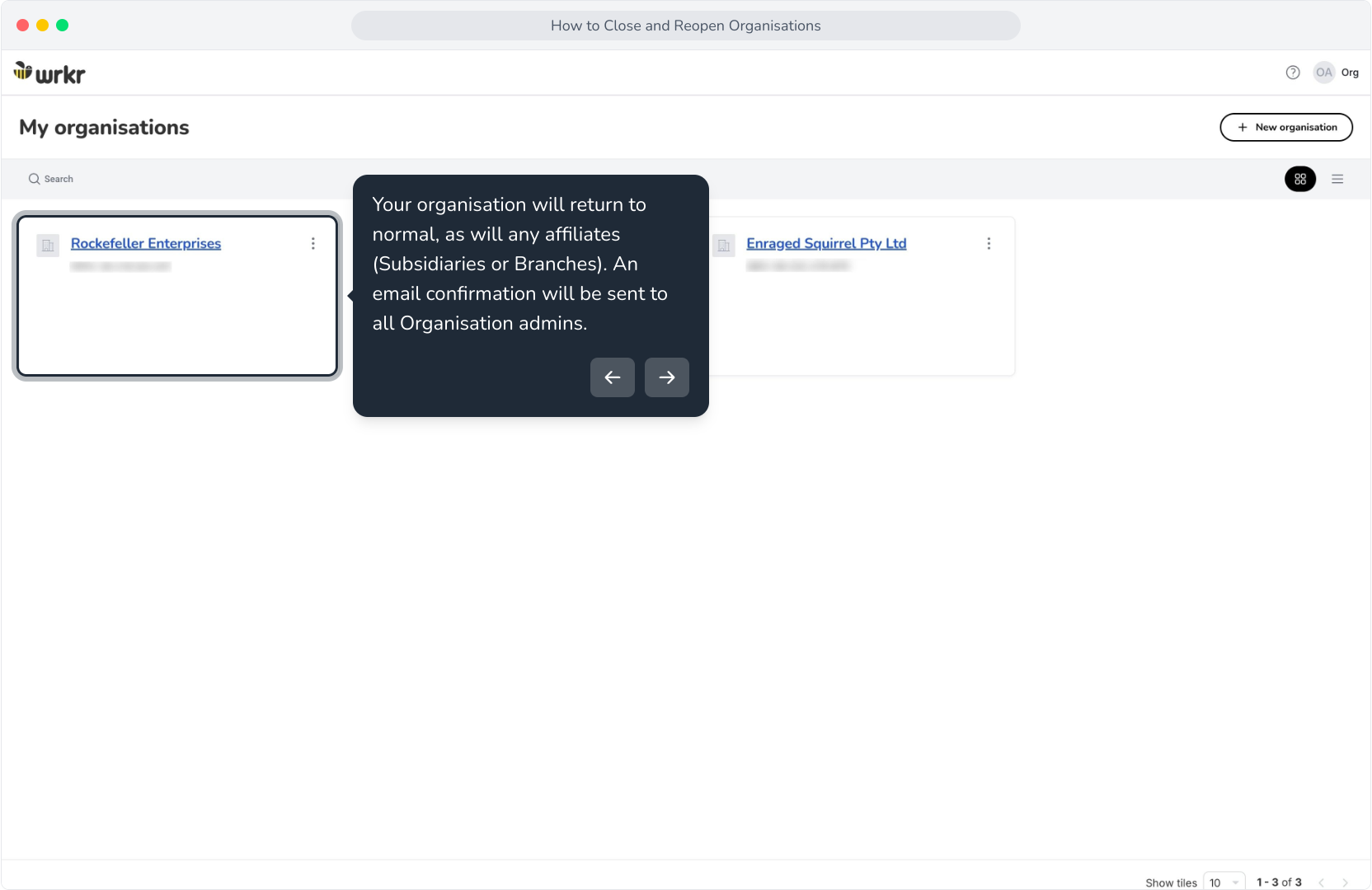
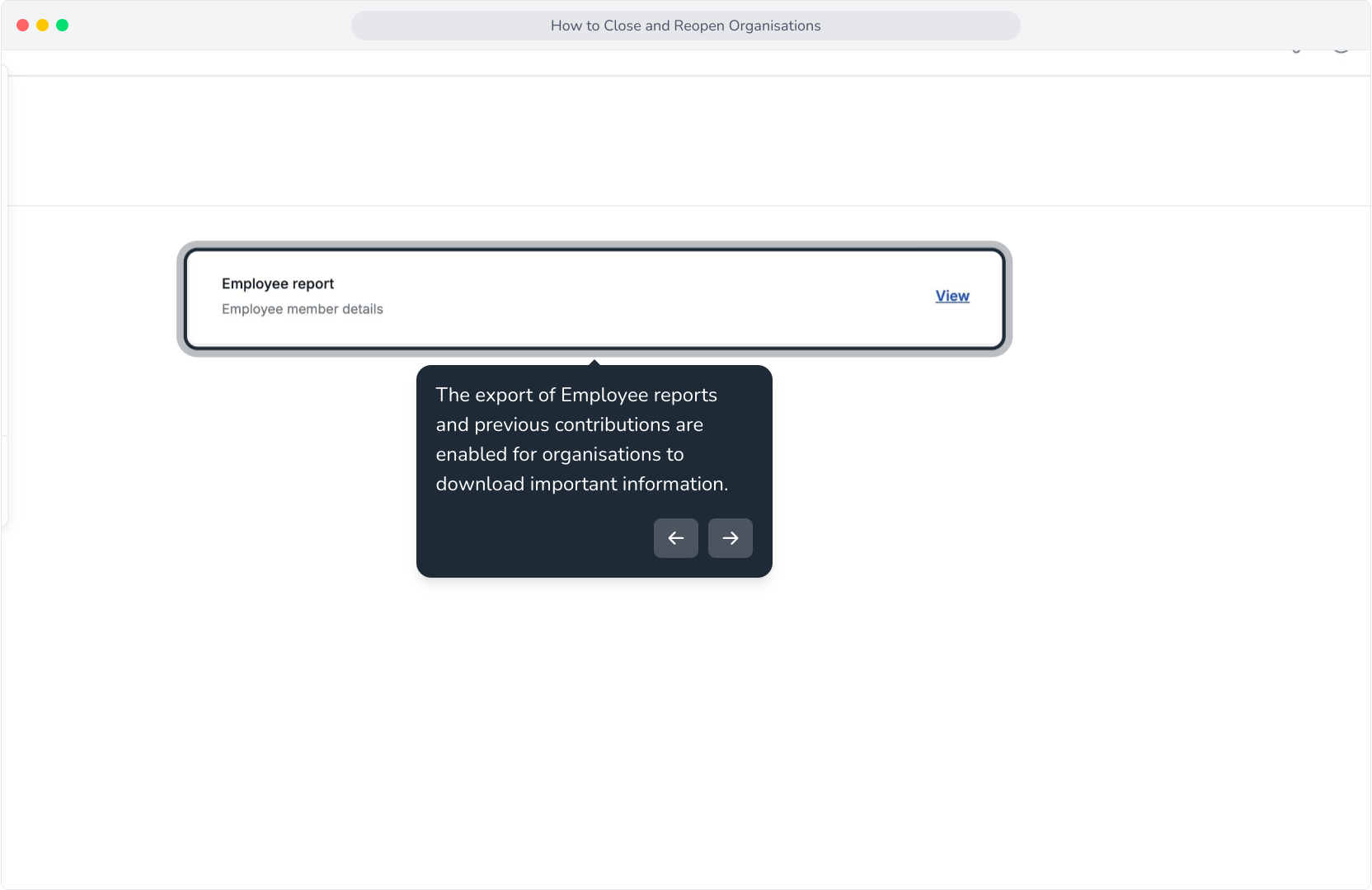
15. The export of Employee reports and previous contributions are enabled for organisations to download important information.
16. If you're within the 30 day grace period, you can reopen your org and its affiliates via the My organisations screen.
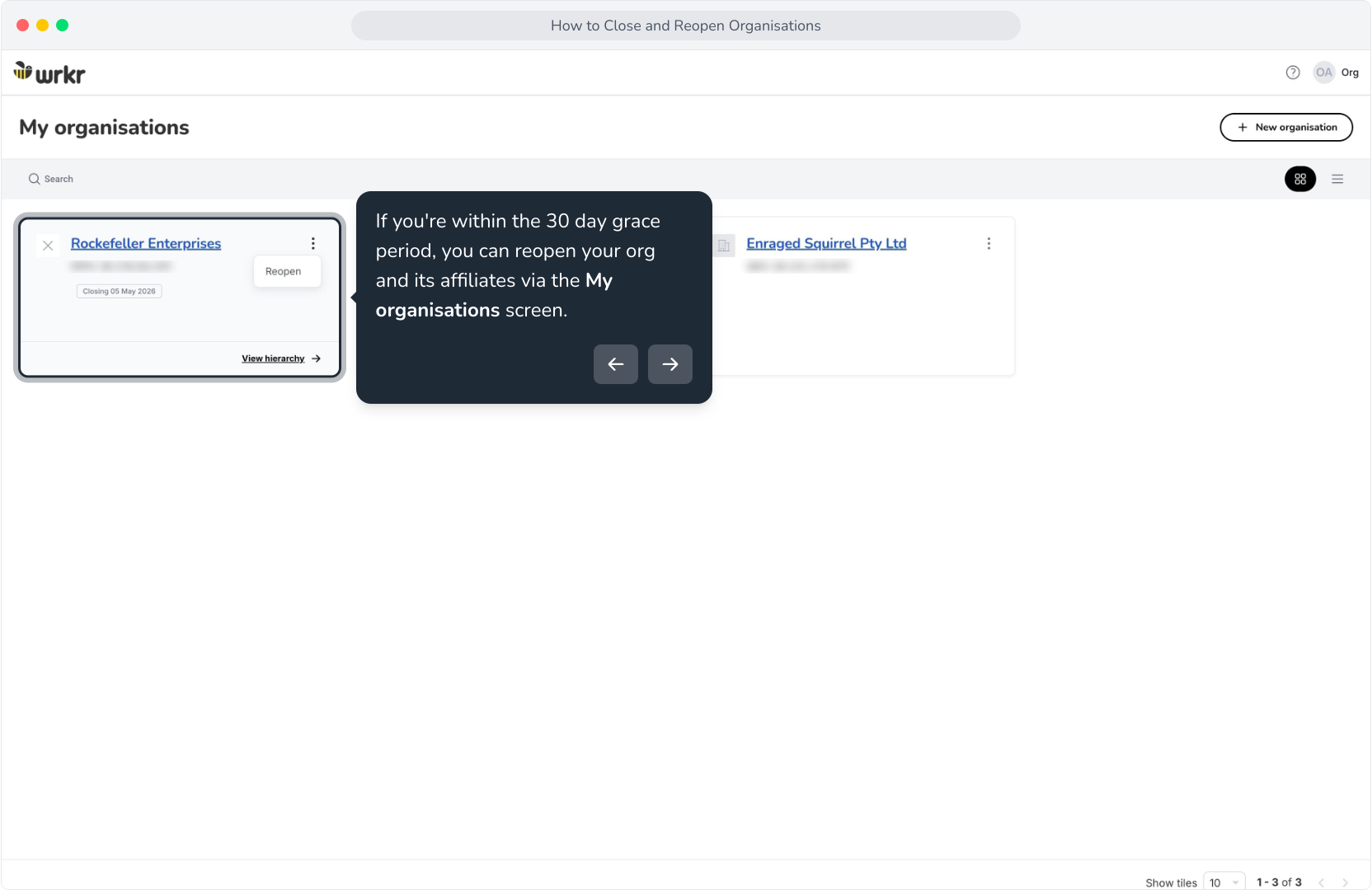
17. Click Reopen account.
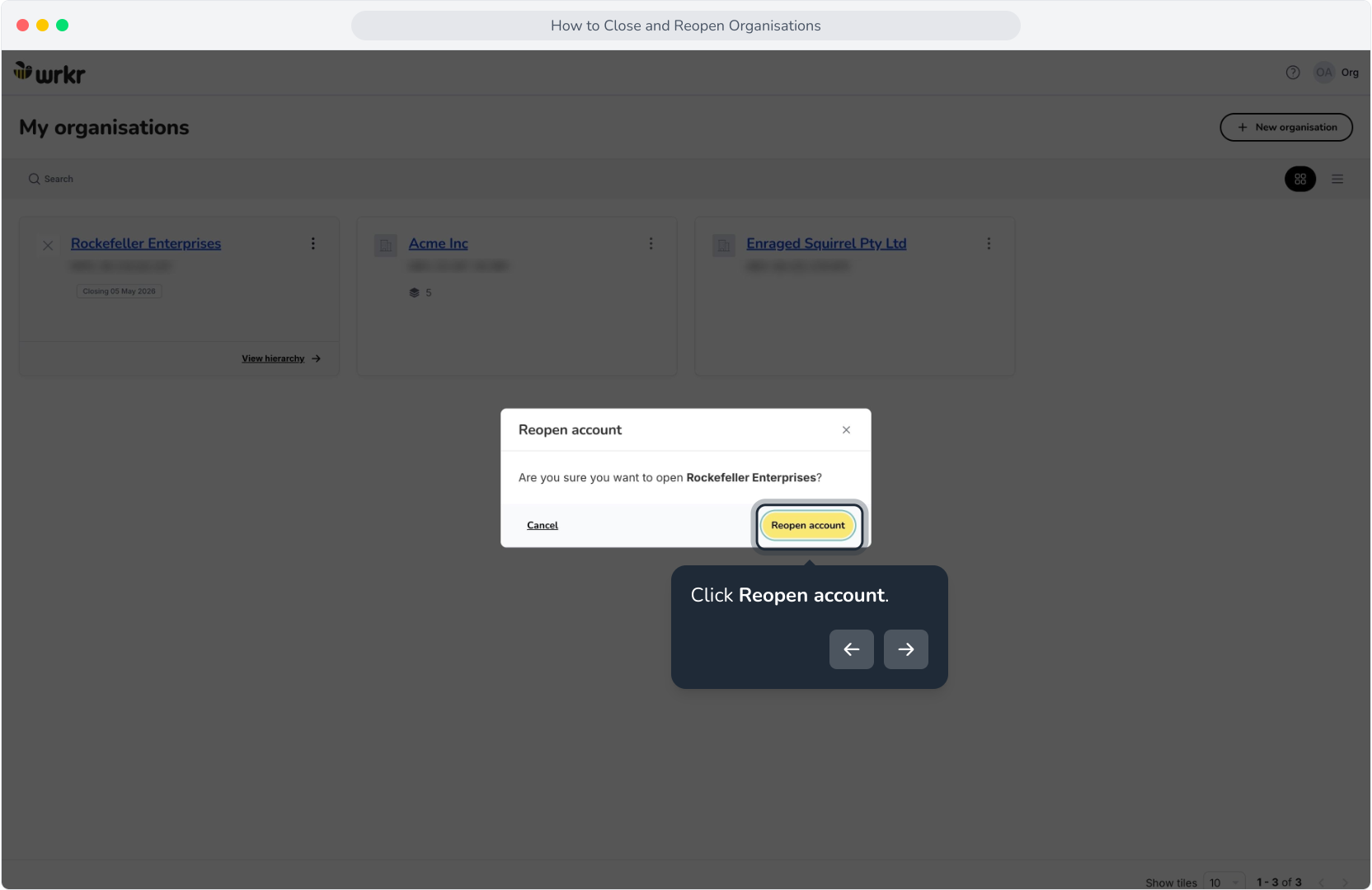
18. Your organisation will return to normal, as will any affiliates (Subsidiaries or Branches). An email confirmation will be sent to all Organisation admins.